


Camera Sketch Tracing

Overlay any sketch outline on your paper and trace with precision using your device camera or screen overlay.
AR Draw is a free AR drawing and sketch tracing tool that helps you practice drawing with your phone camera or browser. Choose a category, line it up, and trace it on paper—with no login or setup, just simple online drawing practice for anime outlines, doodles, animals, flowers, and more.
 Free to useAll features, always free.
 Works in browserNo app. No install.
 Camera-based tracingAlign and sketch on paper.
 Beginner friendlySimple visual drawing guide.

AR Draw makes AR drawing simple for beginners, students, hobby artists, and anyone who wants to practice sketching. Instead of installing heavy software, you can open the tool in your browser, choose a drawing reference, and use the camera guide to trace lines more easily.
Overlay any sketch outline on your paper and trace with precision using your device camera or screen overlay.
No paywalls, subscriptions, or login forms. Enjoy immediate, unrestricted drawing tools online for free.

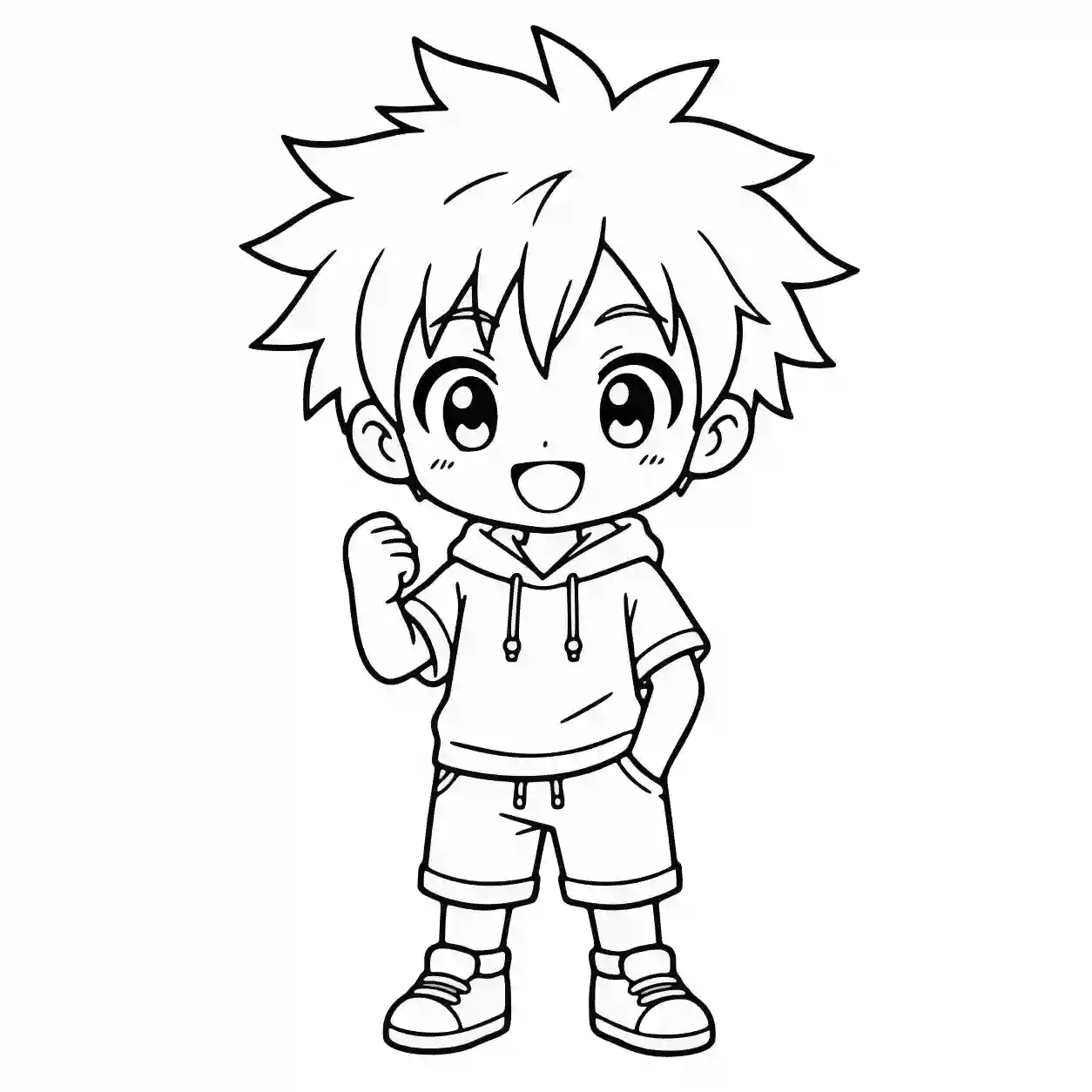
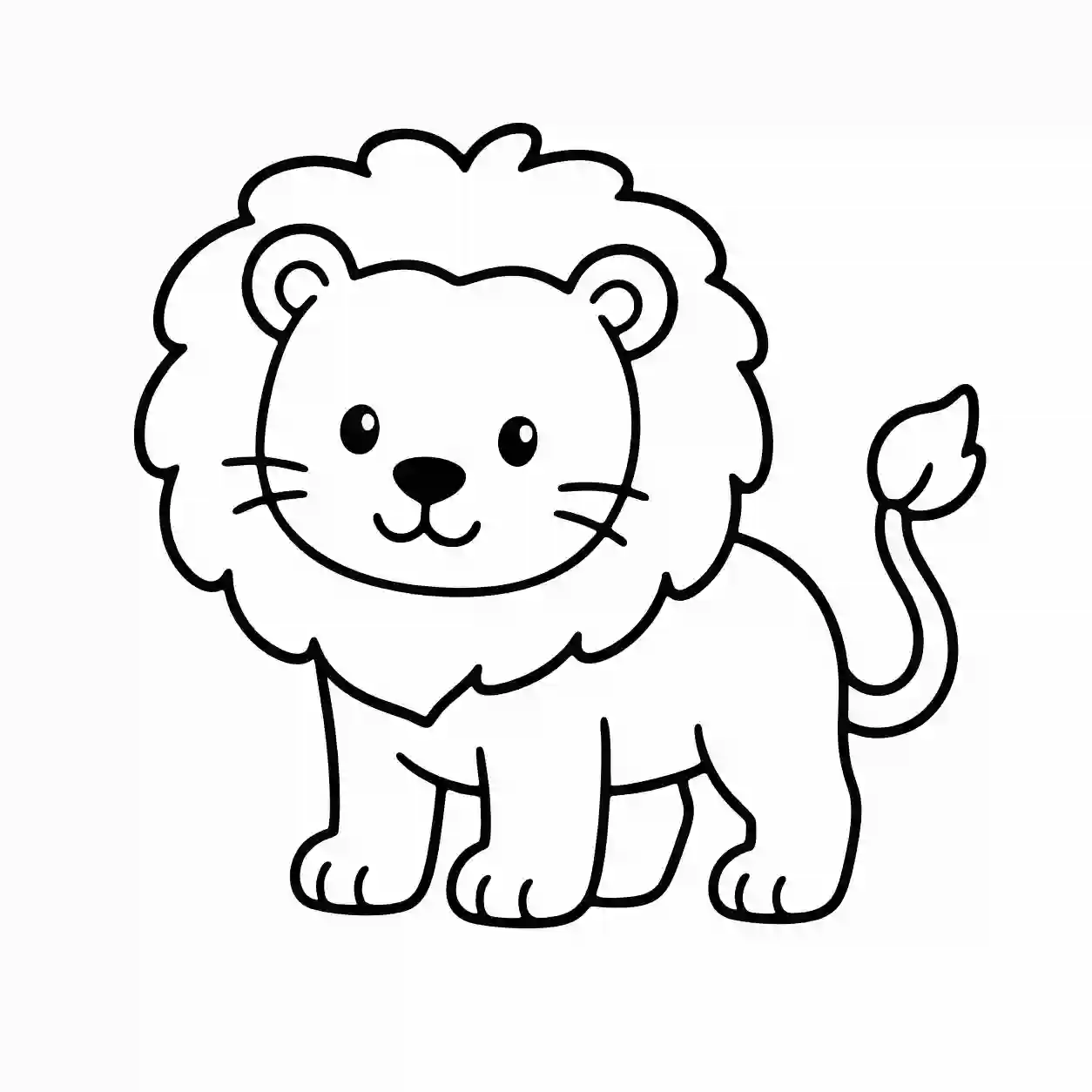
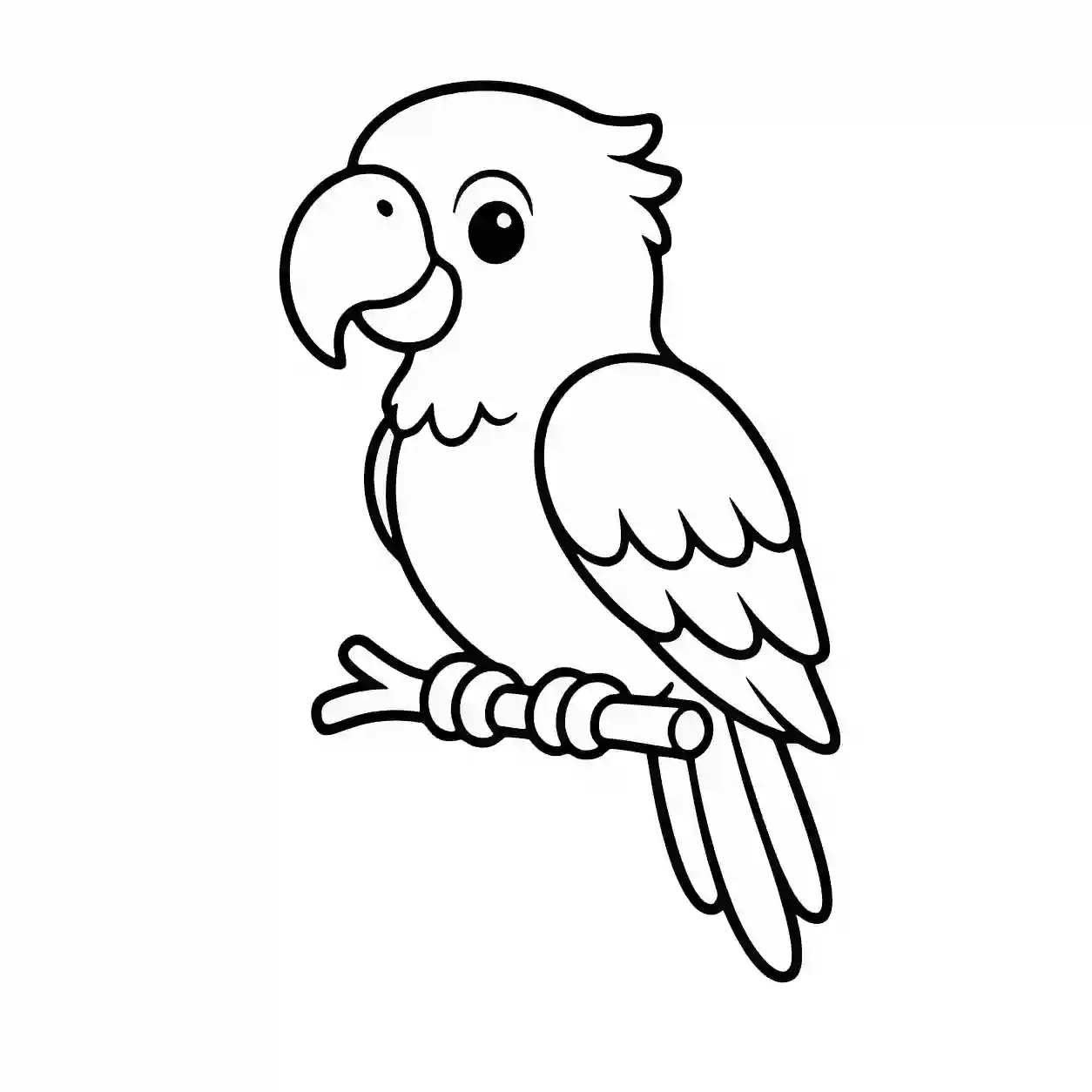
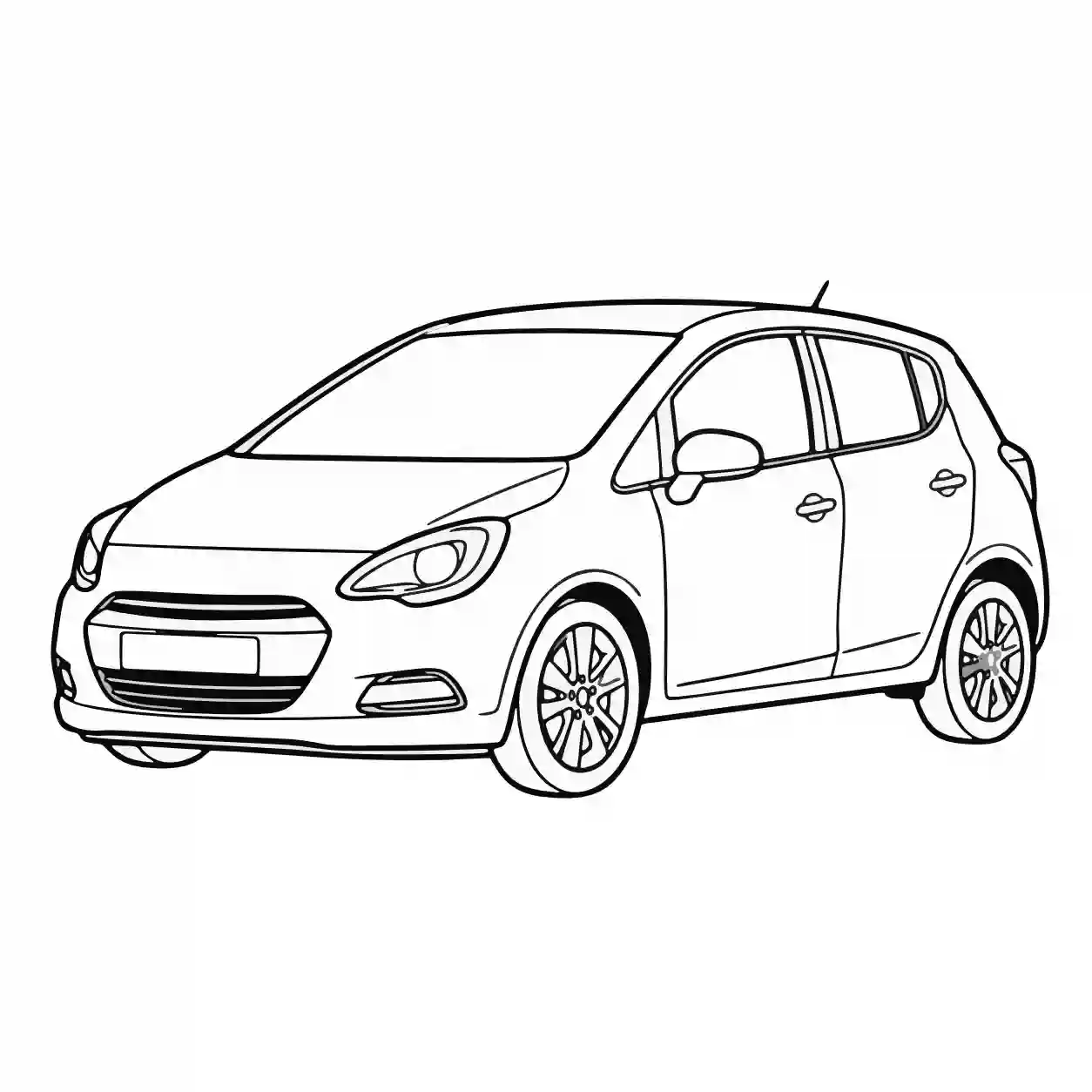
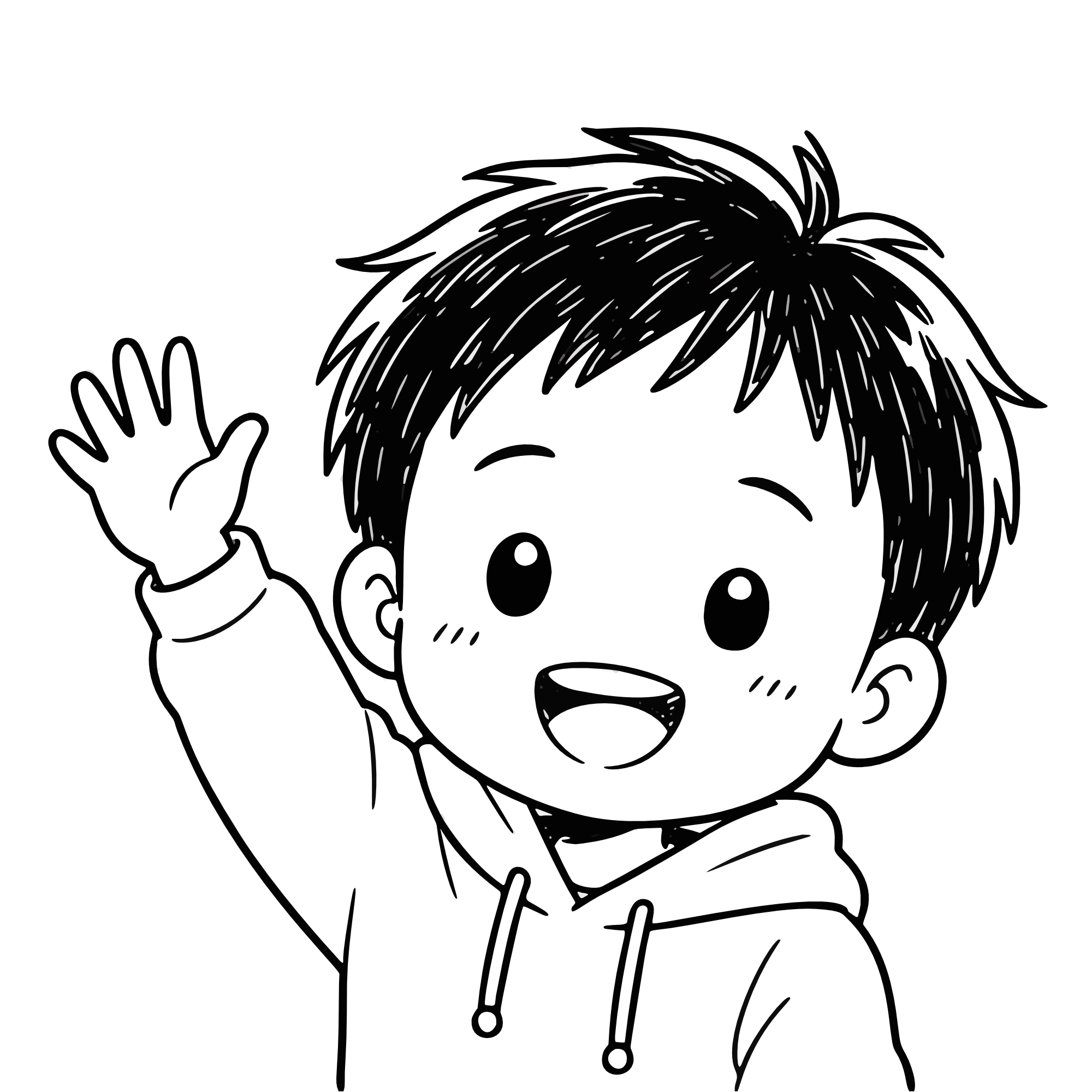
Explore handpicked outlines for anime, animals, florals, and vehicles sorted into neat categories.
Zero downloads or heavy app installs required. Open the canvas in any browser and start drawing instantly.
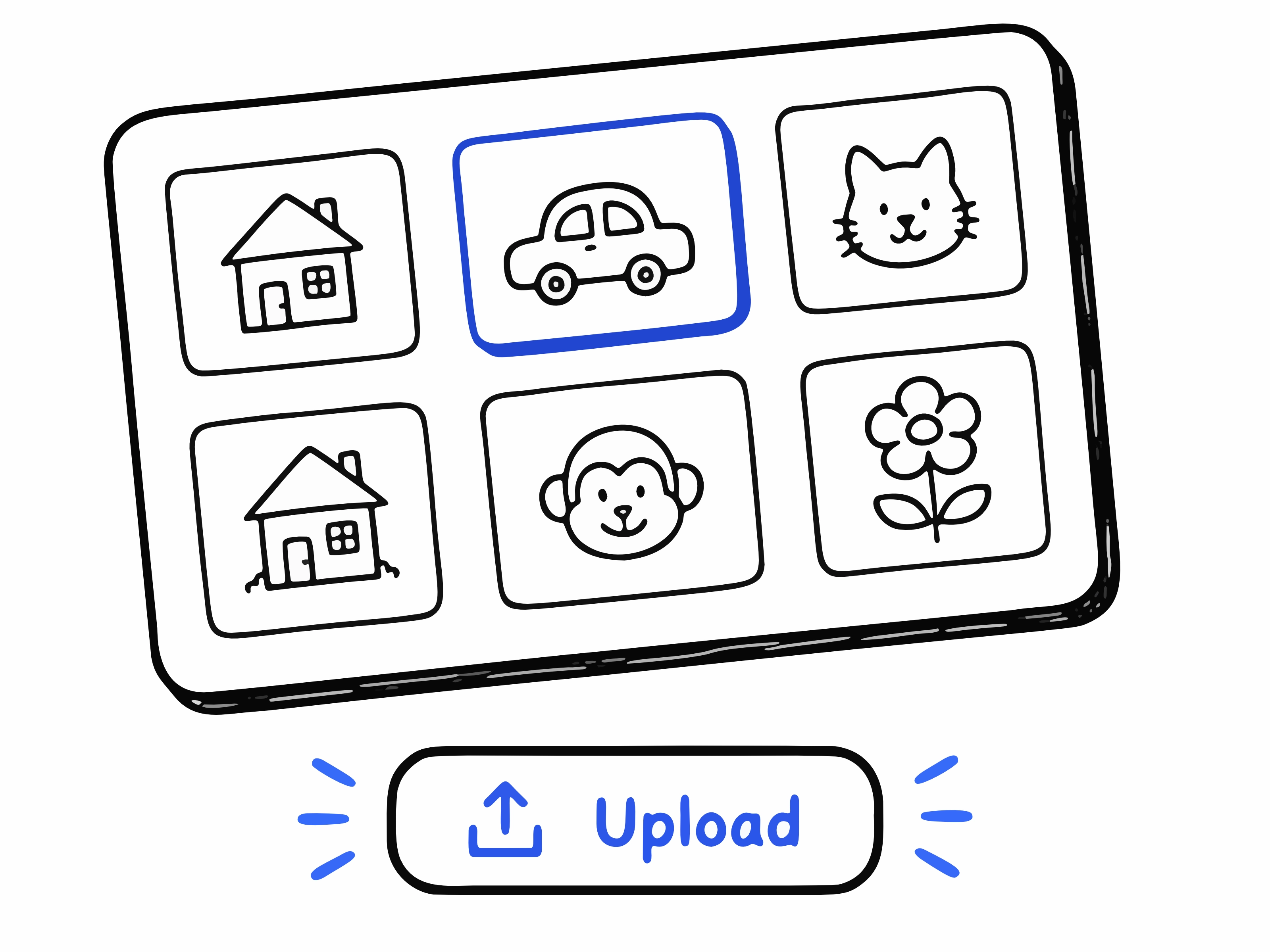
Pick an outline, doodle, anime sketch, animal, flower, vehicle, or other drawing category.
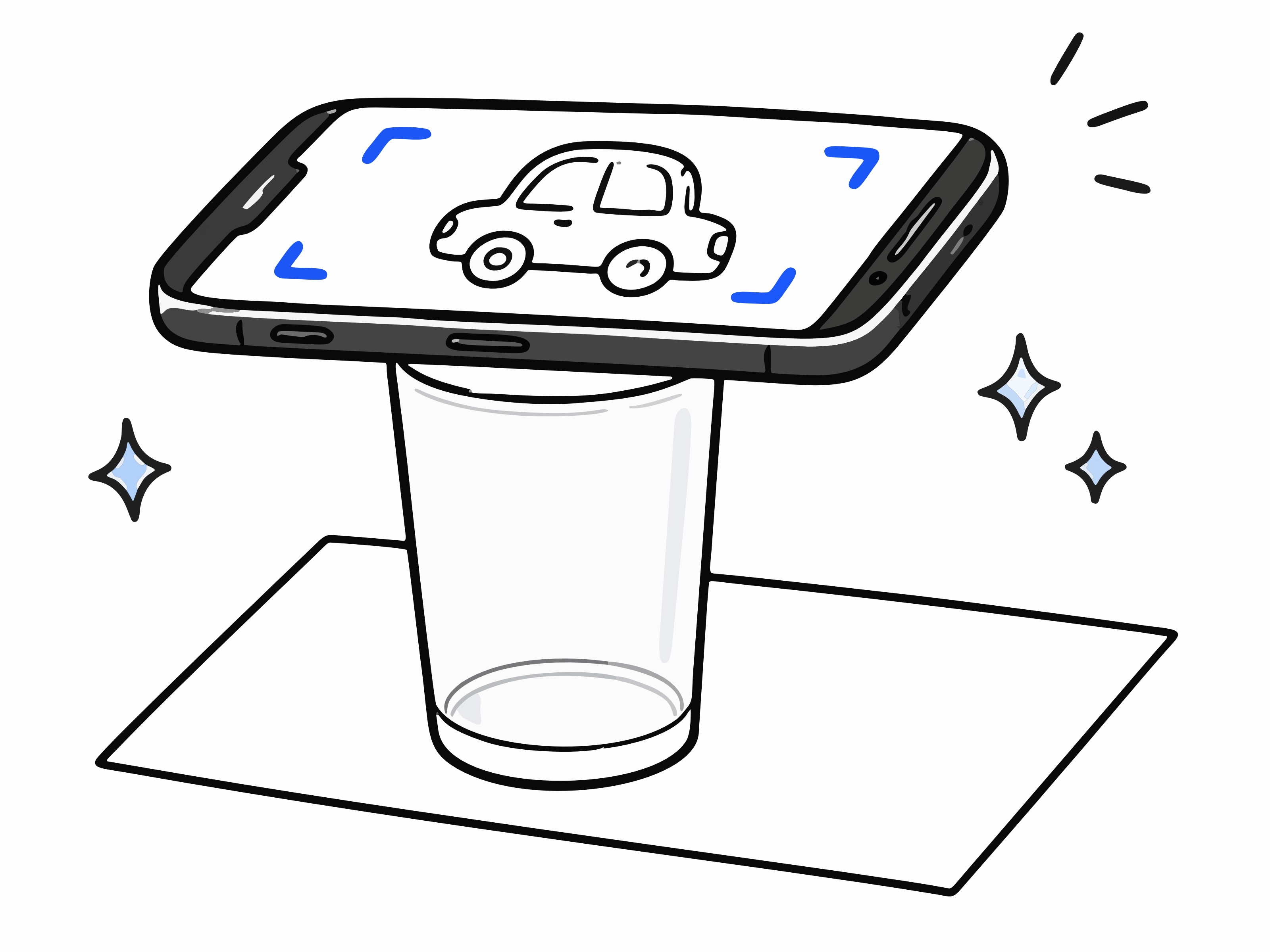
Use the camera tracing view to line up the outline on your paper or drawing surface.

Follow the visible guide and practice drawing the shape step by step.
Find clean sketch categories and simple outlines for daily drawing practice with AR Draw.
AR drawing can help you understand shape, proportion, and line placement while practicing on real paper. AR Draw keeps the experience simple: open the tool, choose a category, adjust the guide, and start tracing.
AR Drawing (Augmented Reality Drawing) uses your device camera to display a transparent sketch outline over your physical paper or drawing surface. By looking through your screen, you can follow the overlaid lines with a pencil to trace accurately, practice proportions, and develop muscle memory.
No installation or app download is needed. AR Draw runs directly inside any modern web browser on iOS, Android, Windows, Mac, and Chromebooks without taking up storage on your device.
Choose an outline from our category library or upload your own image. Position your phone on a stand, glass, or mug above your paper, adjust the outline opacity and scale, lock the screen, and trace the projected lines onto your paper.
AR Draw is 100% free with no subscriptions, mandatory sign-ups, or watermarks. You have unrestricted access to all template categories, image upload tools, camera guides, and tracing controls.
Yes! AR Draw features a dedicated Anime category with clean outlines for character faces, expressions, and poses, helping you learn anime proportions and line art fundamentals.
Yes. You can upload any photo or drawing from your device into AR Draw. The tool automatically turns your picture into an adjustable transparent overlay for easy tracing.
Yes. AR Draw works on desktop PCs and laptops. You can use your webcam for camera overlay or use the screen trace mode on touchscreen laptops, iPads, and graphics tablets.
AR Draw includes curated outline collections across Anime, Animals, Flowers, Birds, Vehicles, Architecture, Anatomy, Marine Life, Insects, and Doodles, specially selected for easy tracing practice.
The screen lock freezes the canvas and interface so accidental touches from your fingers or hand do not move, zoom, or shift your outline while you are drawing on paper.
Yes. If you are drawing in dim lighting, you can toggle the built-in torch feature on supported mobile devices to light up your drawing paper directly from the camera interface.
Open AR Draw on your phone and start tracing for free.